 Call Us : (917) 410-4001
EPUB vs. MOBI vs. PDF: Which Format Do You Actually Need?
Key Takeaways
- EPUB is the universal, reflowable eBook standard, used by Apple Books, Kobo, Google, and now Kindle uploads too.
- MOBI is Amazon’s old Kindle format and is now retired, you no longer upload MOBI to KDP; EPUB has replaced it.
- PDF is fixed-layout, ideal for print and for visually complex books, but a poor reading experience on small eBook screens.
- Most authors need EPUB (for e-book retailers) and a print-ready PDF (for paperback/hardcover), not MOBI.
- Reflowable vs. fixed-layout is the real decision: text-driven books reflow; design-heavy books may need fixed layout.
EPUB, MOBI, PDF, the alphabet soup of eBook formats confuses almost every new author. The good news: you probably need fewer of them than you think. Here’s what each format is actually built for, which one your retailers want in 2026, and how to stop worrying about MOBI (spoiler: it’s retired). By the end you’ll know exactly which files your book needs.
What Each Format Is Built For
- EPUB, the modern eBook standard. It’s reflowable: text adapts to any screen, font, and size. It’s what Apple Books, Kobo, Google Play Books, and Kindle all work with today.
- MOBI, Amazon’s original Kindle format. It’s been phased out: KDP stopped accepting MOBI uploads, and EPUB took its place. You almost certainly don’t need it anymore.
- PDF, a fixed, print-style format. Every element stays exactly where you put it. Great for paperbacks, hardcovers, workbooks, cookbooks, and anything where layout must not move, but rigid on small eBook screens.
Which Retailers Require Which Format
| Channel | Format needed |
|---|---|
| Amazon Kindle (KDP eBook) | EPUB |
| Apple Books | EPUB |
| Kobo | EPUB |
| Google Play Books | EPUB (or PDF) |
| KDP / IngramSpark print | Print-ready PDF |
| Direct sales / review copies | EPUB and/or PDF |
The pattern is clear: EPUB for e-books, PDF for print. MOBI doesn’t appear, because it’s no longer used. (For the print PDF rules, see our KDP formatting checklist.)
Reflowable vs. Fixed-Layout Formatting
This is the decision that actually matters, more than the file extension:
- Reflowable (EPUB): text flows to fit the device and the reader’s chosen font size. Best for novels, most nonfiction, memoirs, anything text-driven. It’s what readers expect on e-readers and phones.
- Fixed-layout (PDF, or fixed-layout EPUB): the page looks identical everywhere. Necessary for children’s picture books, cookbooks, photography books, and complex textbooks where design and text must stay together, but a frustrating read at small sizes.
Choose based on your book’s content, not habit: a novel should reflow; a heavily designed book may need fixed layout. (Your cover follows the same logic, see eBook vs. print cover specs.)
Not sure which files your book needs?
Prime Publishing Hub delivers every format your book requires, EPUB for retailers and print-ready PDF for paperback, all in one formatting package. Get a free formatting quote.
Get a Free Formatting QuoteSo Which Formats Do You Actually Need?
For the vast majority of authors, the answer is simple:
- ✅ EPUB, for every e-book retailer (Kindle, Apple, Kobo, Google).
- ✅ Print-ready PDF, for your paperback and/or hardcover.
- ❌ MOBI, not needed; it’s retired.
- ➕ Fixed-layout EPUB, only if your book is design-heavy (picture book, cookbook).
That’s it. Two files cover almost everyone. The work isn’t collecting formats, it’s producing each one correctly so it displays properly everywhere.
How Prime Publishing Hub Helps
Prime Publishing Hub’s formatting service delivers all the formats your book actually needs, a clean, reflowable EPUB for e-book retailers and a print-ready PDF for print, in one coordinated package, so you’re never stuck converting files or troubleshooting broken layouts on a Kindle.
Want every format done right? Request a free quote or talk to our formatting team.
Frequently Asked Questions
What's the difference between EPUB, MOBI, and PDF?
Do I still need a MOBI file in 2026?
Which eBook format do retailers require?
What's the difference between reflowable and fixed-layout formatting?
Which formats does Prime Publishing Hub deliver?
Keep Reading
eBook vs. Print Cover: Dimensions, Specs, and Design Differences
Your eBook and print covers aren’t the same file resized. Here are the exact dimensions and specs for each, eBook size, wraparound anatomy, spine math, bleed, and KDP vs. IngramSpark.
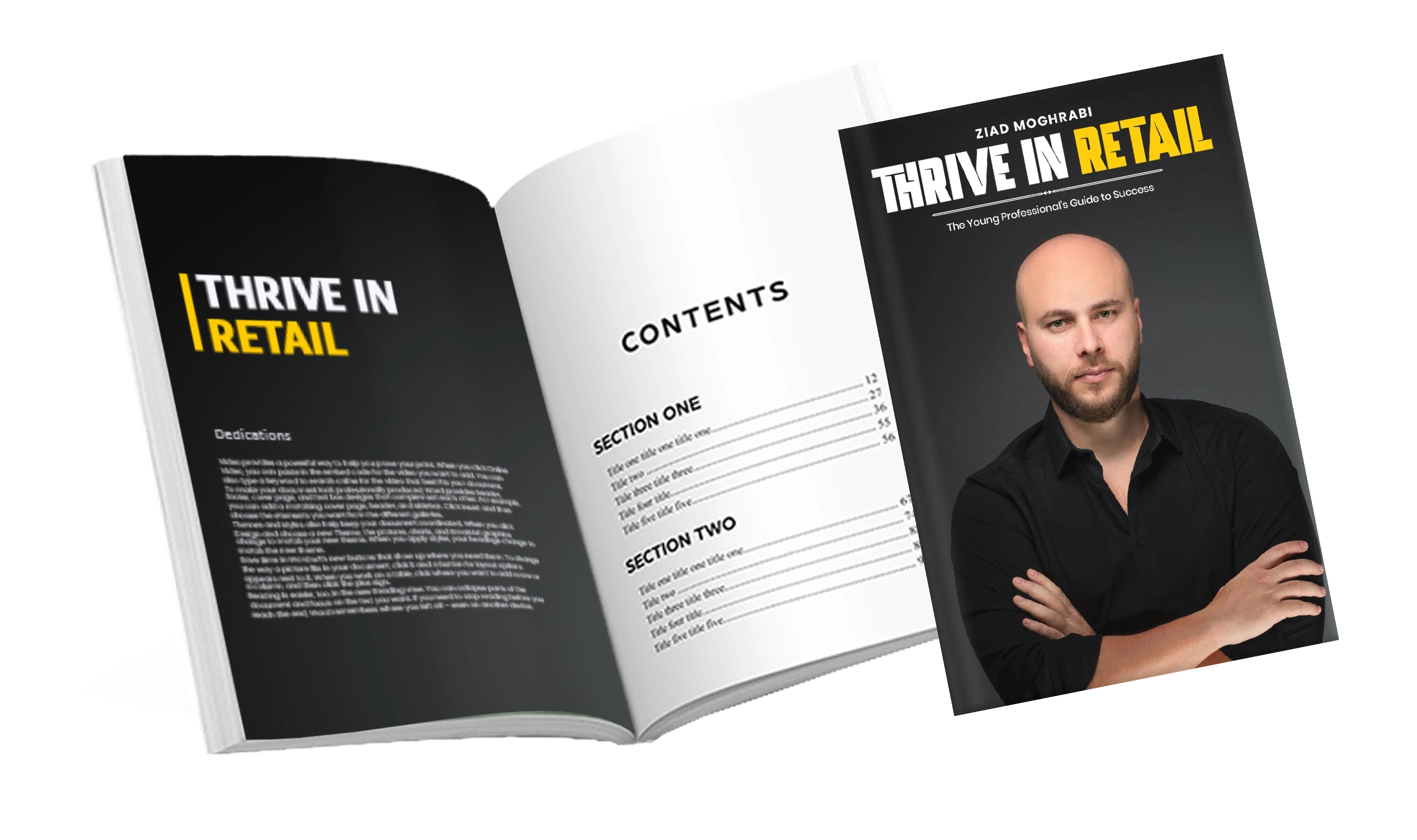
KDP Formatting Requirements: A Complete 2026 Checklist
Formatting is where amateur books give themselves away, and where KDP uploads get rejected. This complete 2026 checklist covers print and eBook specs, matter order, and rejection reasons.

Common Interior Formatting Mistakes That Get Manuscripts Rejected
You can write a brilliant book and still look amateur, or get rejected on upload, because of interior formatting. Here are the most common mistakes that get manuscripts rejected, and the fixes.